Organised
Tempo Move
Everything in Core, plus a compact cabinet that keeps the weights in one place.
Homes where the weights need a tidy place to live.
Named Esquire’s 2023 Best Home Gym Setup, as Tempo’s shop puts it.
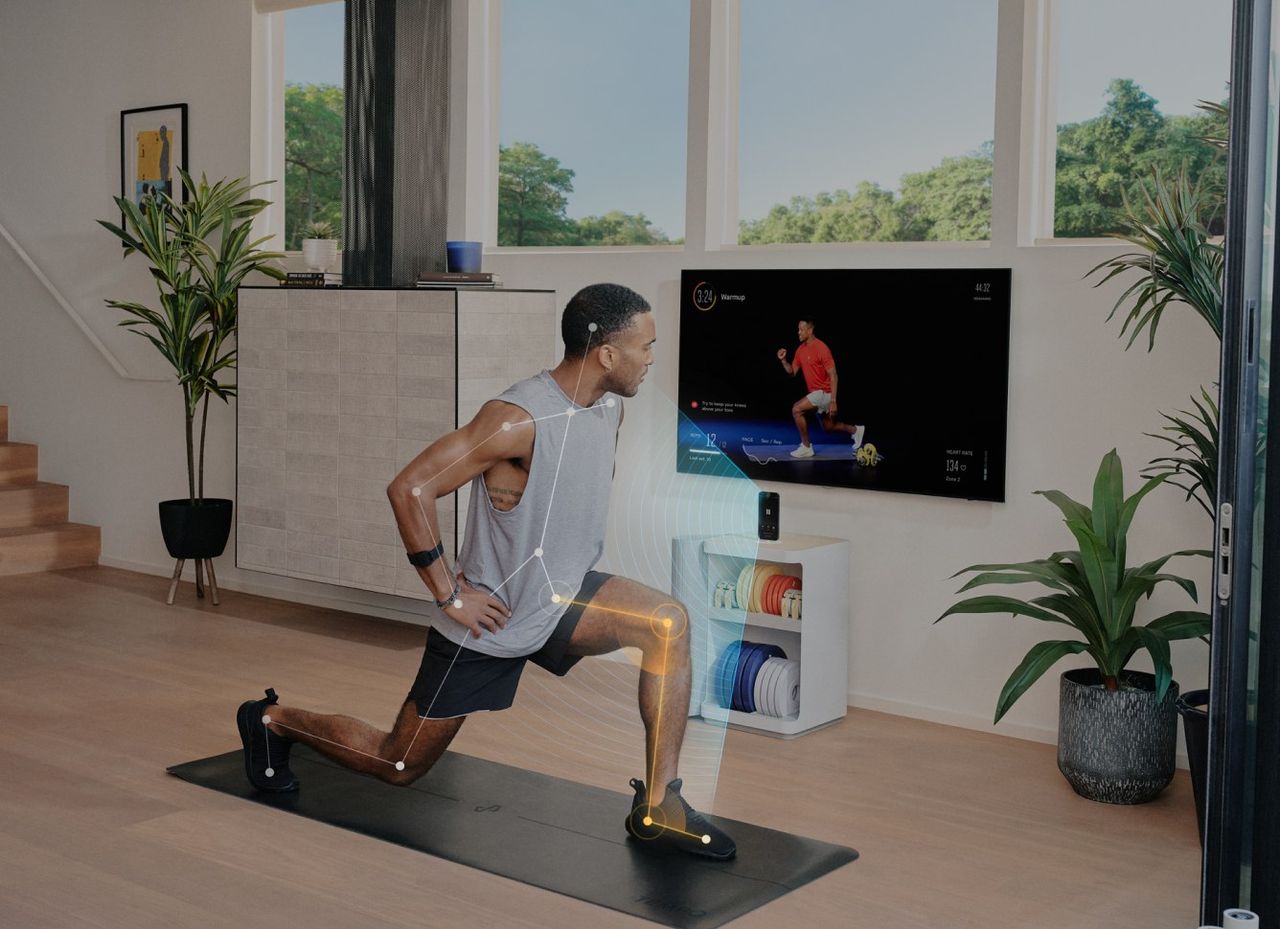
What you get, and what you need.
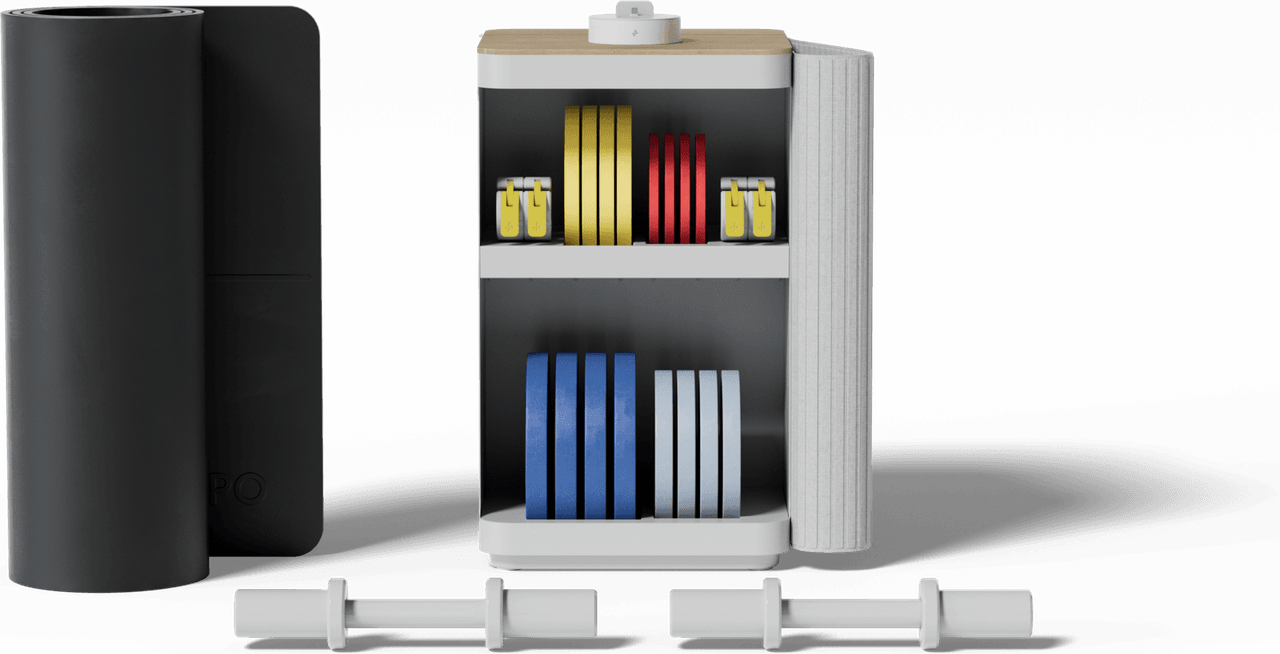
Included
- Core dock for a supported iPhone
- Storage cabinet
- Tempo weights, set size by bundle
- Training membership (see what’s included)
You’ll need
- A supported iPhone (model and port matter)
- A TV or display with HDMI or AirPlay, depending on connection
Sensing
Your supported iPhone’s camera tracks supported exercises.
Good to know
Android phones and iPad can’t run Core-connected workouts.
Space and storage.
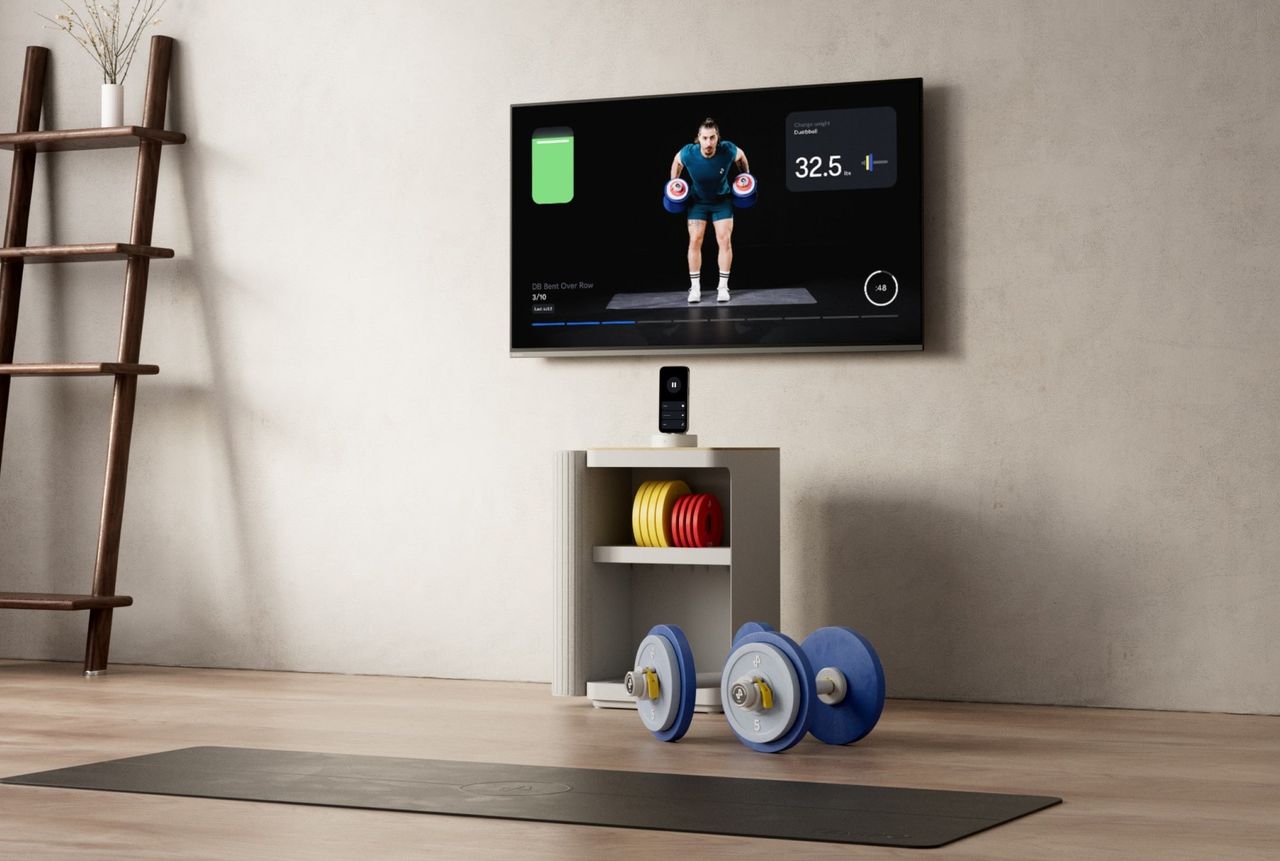
Published dimensions, drawn to scale. Measure your space before you buy.
Storage: Cabinet, 22 × 13.5 × 13.5 in
Price snapshot.
Monthly prices during the initial payment period, as shown on Tempo’s pages. Not an offer.
Pending confirmation| Bundle | Weight set | Per month, first 12 months |
|---|---|---|
| Starter | 50 lb | $59 |
| Plus | 90 lb | $69 |
| Pro | 165 lb | $89 |
| Max | 255 lb | $159 |
As shown in Tempo’s shop on 29 Oct 2026. Taxes, financing, bundle contents and stock come from checkout. After 12 months, training continues as a separate membership.
Before you buy.
Does Tempo work with Android?
Not with Core or Move: they connect through a supported iPhone. Tempo documents a separate Android class experience on listed Pixel and Samsung phones, cast with Chromecast, with a subset of tracking and app features.
Is Apple Watch supported?
It depends what you need. Workouts in Tempo’s Apple Watch app are documented as Studio-only (watchOS 10 and iOS 17 at that revision). Syncing with Apple Health is a separate feature, and other heart-rate monitors pair differently by device.
Can I use my own dumbbells?
On supported iOS, yes. Automatic weight recognition only works with Tempo’s own weights in documented combinations, so you’d adjust the weight by hand.
Which weights does Tempo recognise?
Tempo-branded dumbbells and plates in documented combinations. Not barbells, kettlebells, plates over 10 lb or other brands, and not changes you make mid-set.
How much space do I need?
Tempo lists a 6 × 6 ft workout area for Move, which has a 22 × 13.5 × 13.5 in cabinet. Studio is a larger freestanding unit; its current dimensions need confirming.
Sources for this page
- Tempo help: Tempo Move FAQ Tempo Move
- tempo.fit/move-gym Move cabinet and workout area
- Tempo help: Tempo Move FAQ Which iPhone connects to Core
- Tempo help: Tempo Move FAQ TV or display for Core and Move
- tempo.fit/shop Move bundle tiers (price snapshot)
- tempo.fit/shop Esquire 2023 Best Home Gym Setup
Compare with Tempo Core or Tempo Studio.
Make room for stronger.
Answer five quick questions about your phone, screen and space. We’ll show what fits, and what to check first.