
Independent design concept. Not an official Tempo website; demos are illustrative.Unofficial design concept. How we know

The intelligence behind every set.

What the sensing, the weights and the plans actually do, where each one stops, and which setup it needs.

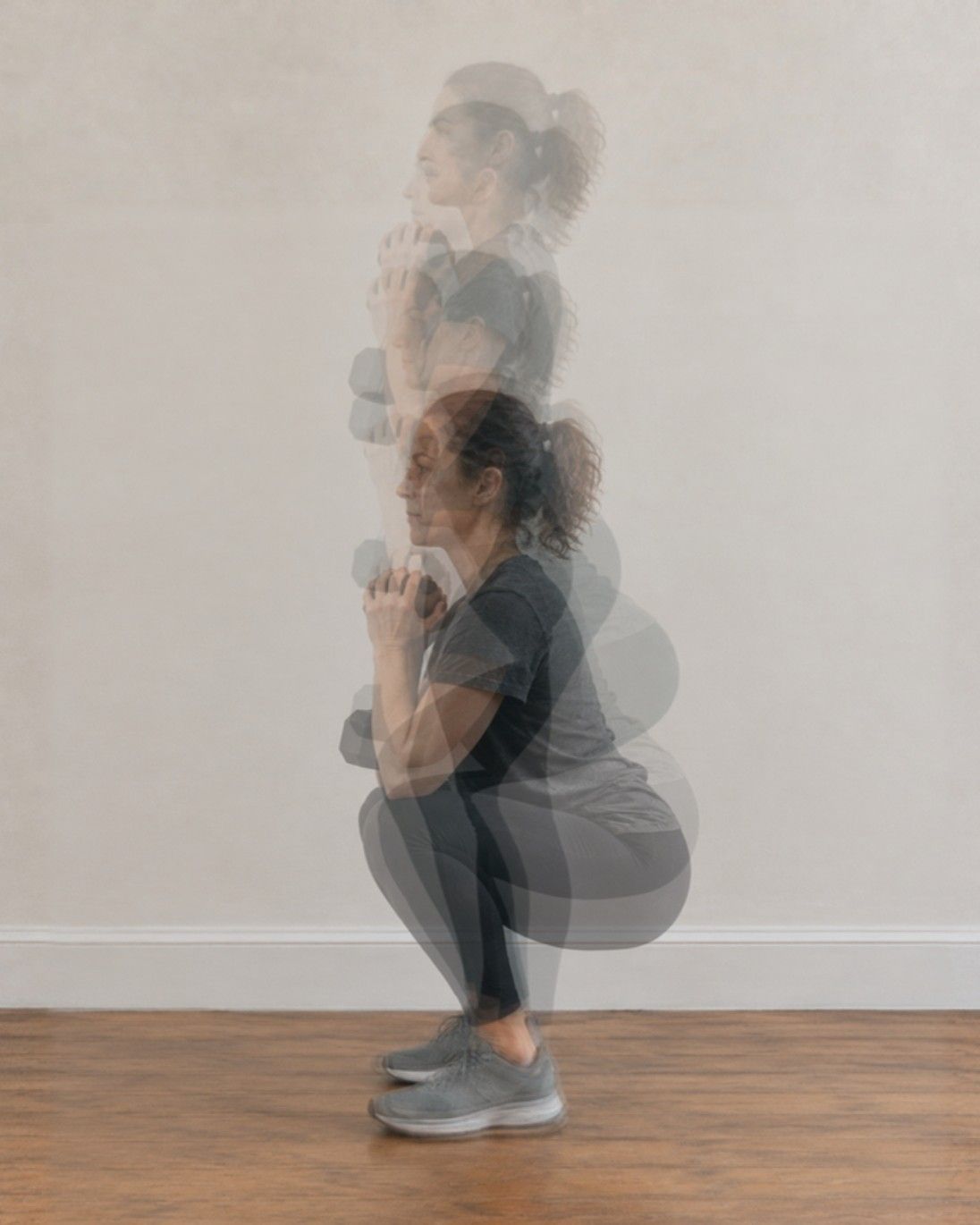
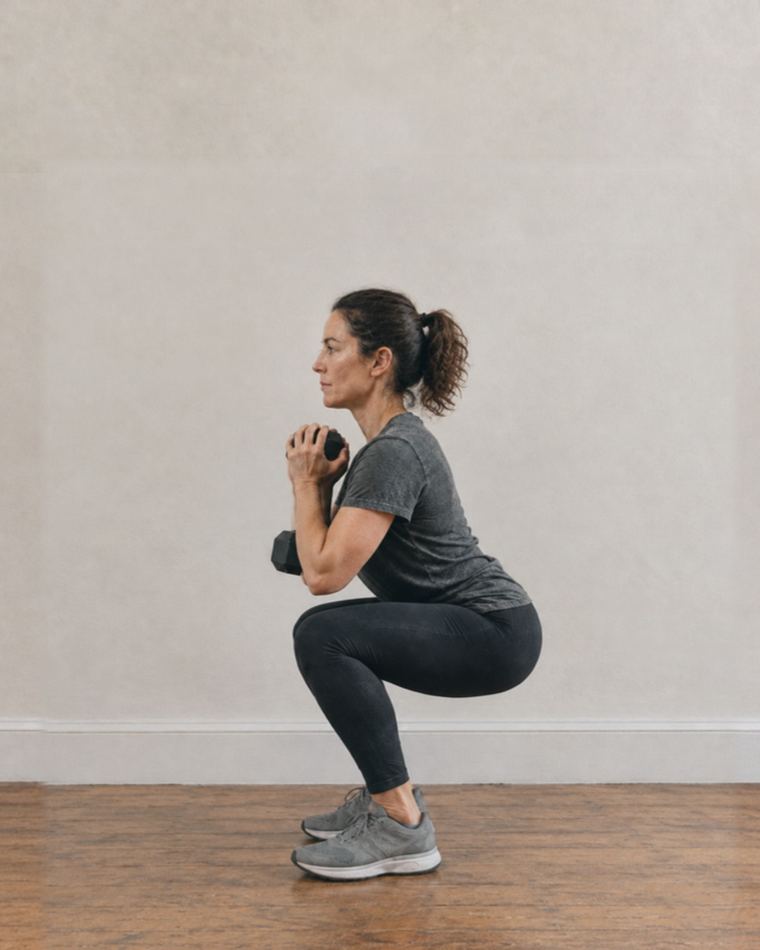
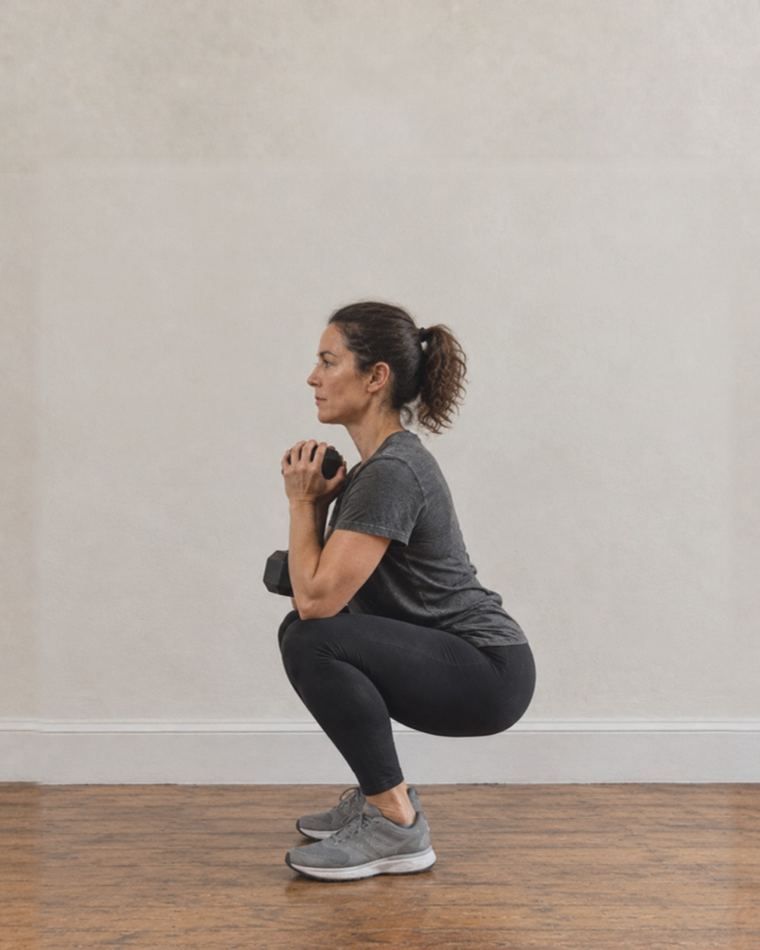
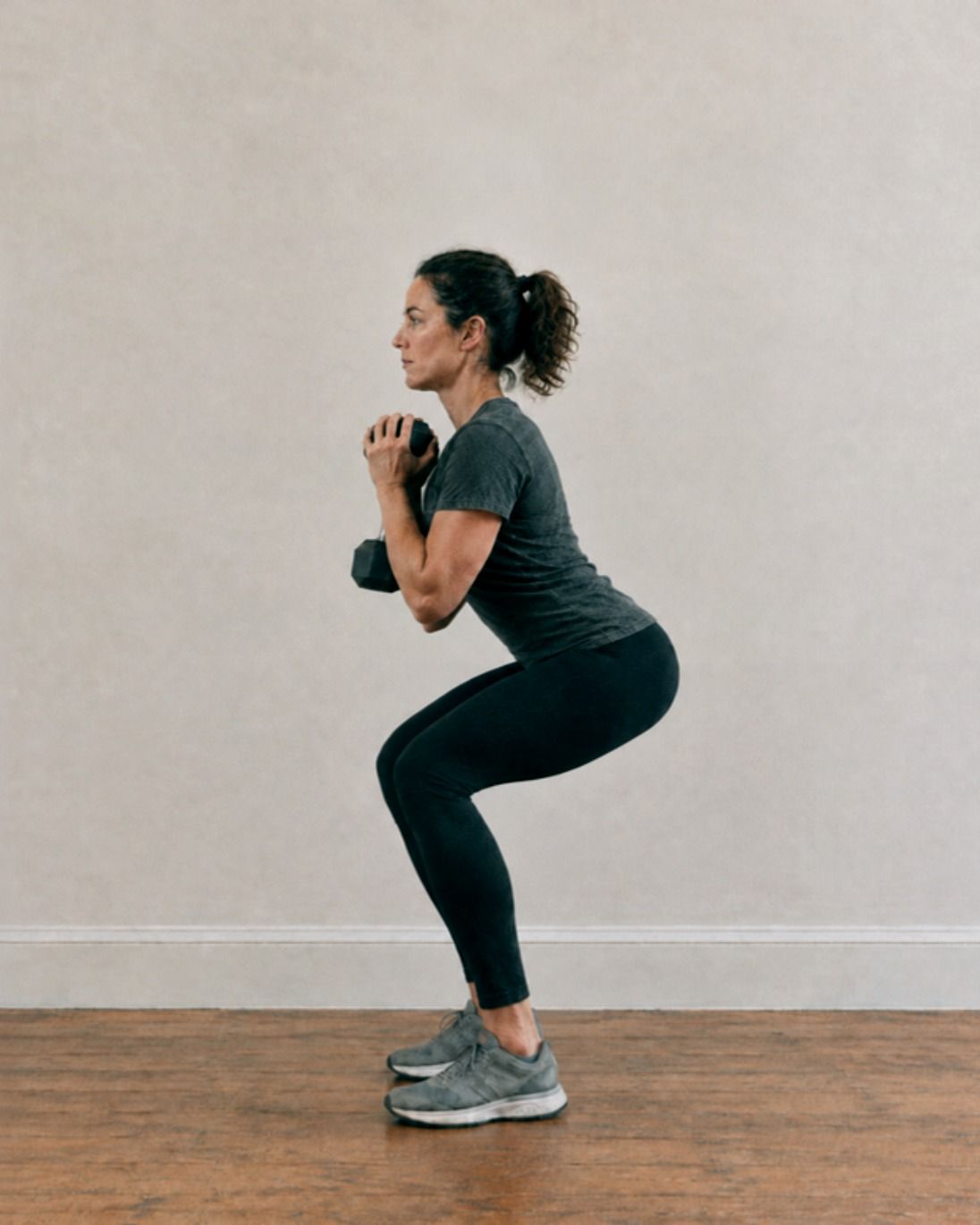
Five frames of one goblet squat layered into a single image, from standing to the bottom of the squat.
One rep, five frames, layered the way motion was first studied on film. Concept images, AI-generated.

What the camera actually sees.

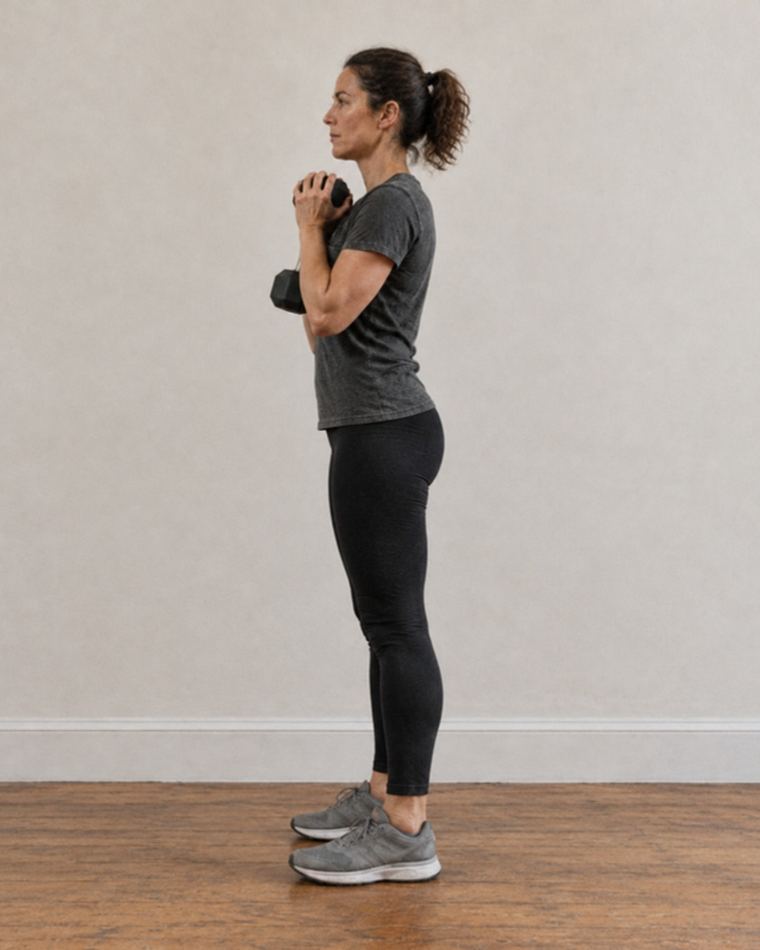
On supported exercises, Tempo’s 3D vision maps your joints to count reps1, follow your range of motion2 and offer the occasional form cue3. Step through one rep to see the idea.

IllustrativeConcept frames (AI-generated, generic model). Landmarks computed on those frames by an open-source pose model. Not Tempo footage or Tempo’s sensing output.
Reps
Not counted yet Counted on supported exercises. It can occasionally miss or double-count.
Range of motion
100% of this rep’s depthShows progress toward a target range on supported movements.
Form cue
Depth reached. Drive up through your whole foot. Example wording. Real cues are occasional and won’t catch every fault.

Studio uses a built-in 3D sensor; Core and Move use a supported iPhone’s camera4. Good light and a clear view matter5. Which exercises are supported

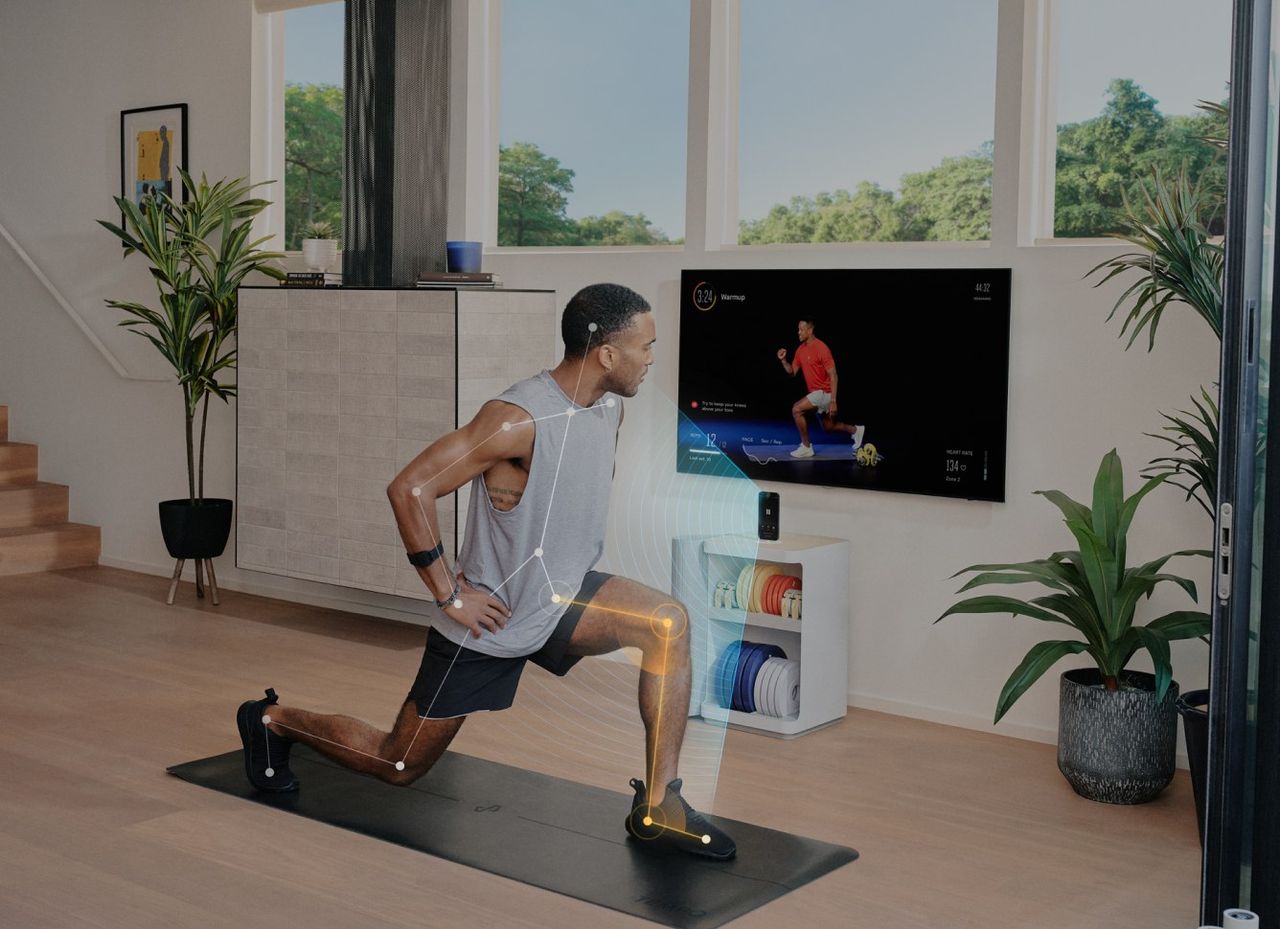
A man lunges on a mat in a bright living room, with tracking lines over his legs, in front of a TV and a Tempo Move cabinet.
3D Tempo Vision on Tempo Move, as Tempo pictures it: tracking a lunge in a living room. Image: Tempo

Real weights. It knows which ones.

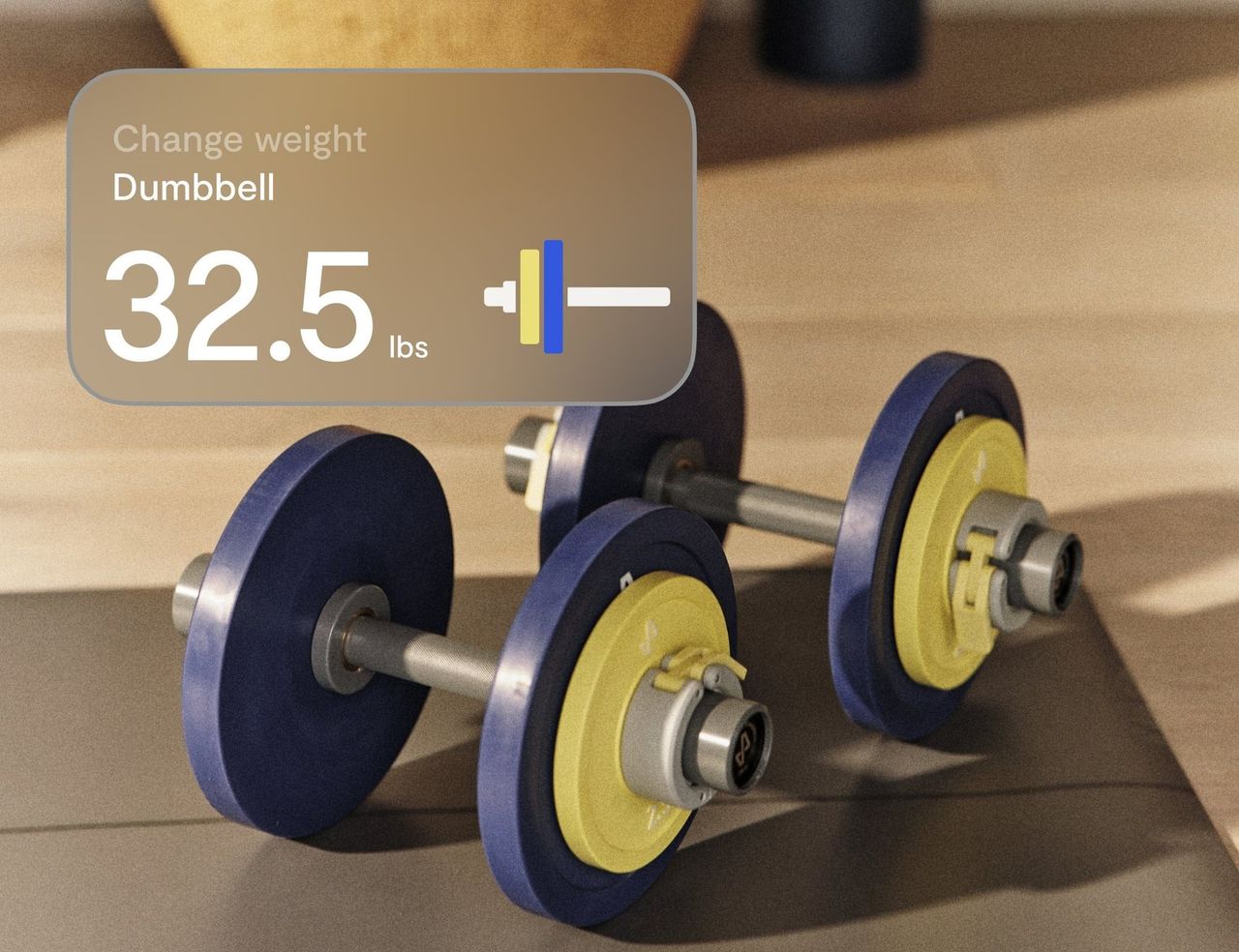
Load Tempo’s own plates and the weight can be recognised for you. Everything else, you enter by hand.

Two Tempo dumbbells loaded with blue and yellow plates, beside an on-screen card that reads: Change weight, Dumbbell, 32.5 lb.
Tempo’s colour-coded plates, and the on-screen card for changing the weight. Image: Tempo

Recognised1

  • Tempo dumbbells and plates
  • Documented plate combinations
  • Extended dumbbells, in supported setups

Not recognised

  • Barbells
  • Kettlebells
  • Plates over 10 lb
  • Other brands’ weights
  • Changes made mid-set

Suggested weights come from how your earlier sets went, and they’re starting points2. You can always correct the weight shown3. Weight recognition details

The right workout isn’t always the hardest.

Plans can change what you train today, based on your recent training and, if you choose to share them, sleep and heart data. Pick a day to see the idea.

A man in his fifties does a gentle seated stretch on a mat in a sunlit room.
Concept image, AI-generated.
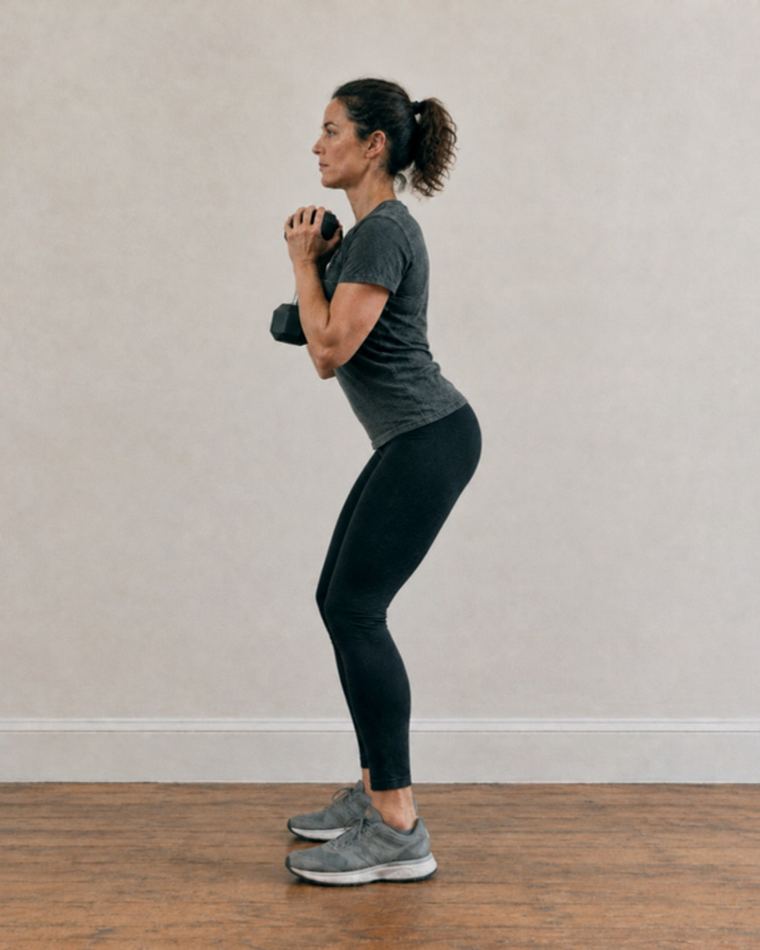
A woman lowers into a goblet squat holding a dumbbell at her chest.
Concept image, AI-generated.
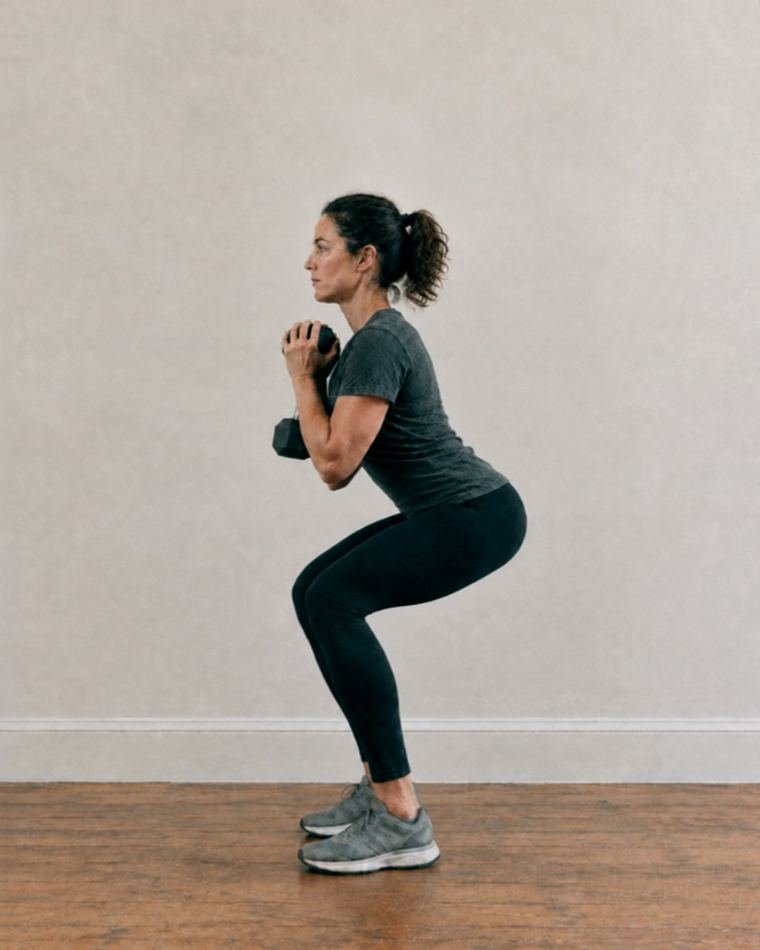
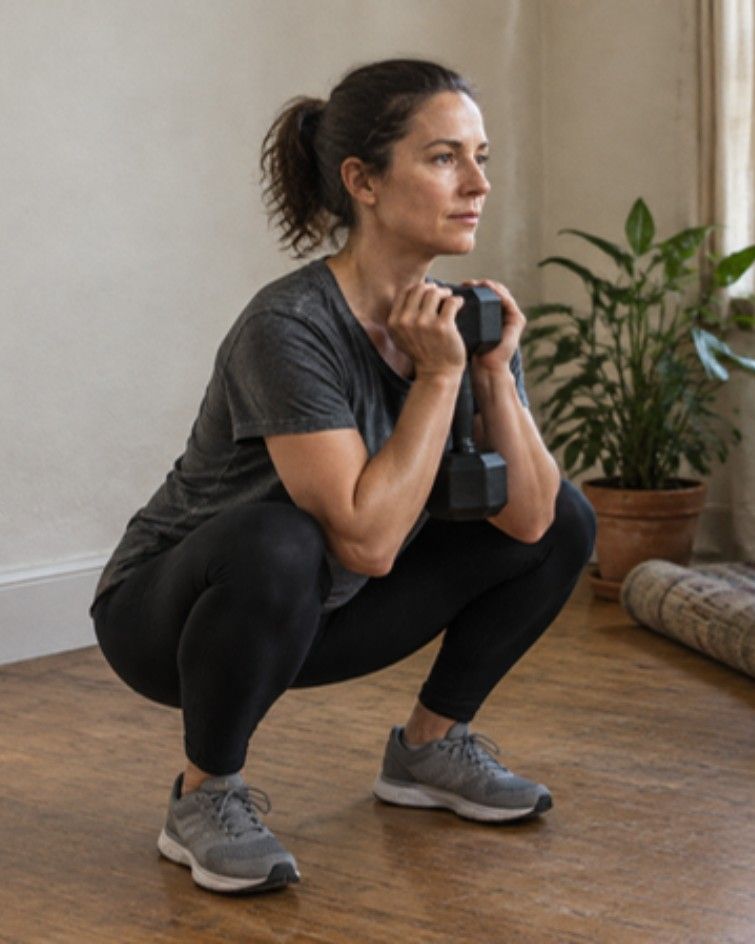
A woman holds the bottom of a deep goblet squat in her living room.
Concept image, AI-generated.
How does today look?

Suggested todayIllustrative

Mobility and recovery

20 minutes, easy effort

Hips, ankles and upper back. No added load.

On lower-readiness days the plan can swap in restorative work instead of more weight.

Signals in this example

  • Hard lower-body session yesterday
  • Shorter sleep than usual, if you share sleep data
Suggested todayIllustrative

Lower-body strength

35 minutes, moderate effort

Working sets at your recent weights.

An ordinary day keeps the week’s plan on schedule.

Signals in this example

  • Rest day yesterday
  • A typical night, if you share sleep data

Suggested todayIllustrative

Lower-body strength

40 minutes, hard effort

One extra working set; the suggested weight nudges up.

When recovery looks good, the plan can ask a little more of you.

Signals in this example

  • Two lighter days behind you
  • Good recovery signals, if you share them

What Readiness can draw on

Your recent training, sleep, heart-rate variability, resting heart rate and muscle recovery, where that data is available1. Lower-readiness days can bring restorative sessions2, and you can still swap a workout within the week3. It isn’t a medical assessment, and the formula isn’t public.

Inside a single set.

Some workouts adjust as you go. These are documented for supported workouts; availability differs by device.

Reps in reserve1
You rate how many more reps you had left. Your answer feeds the training.
Set effectiveness2
Feedback on how a set went, shown after you finish it.
Rep targets that adapt3
Targets can change within some workouts.
Dynamic rest4
Rest guidance referenced in Tempo materials. Which devices support it needs confirming.

See the strength you’re building.

Plans run in four-week blocks with a test at each end, so progress is something you can check, not just feel.

  1. Week 0Baseline testA short test sets your starting point.
  2. Weeks 1 to 3Training that adaptsSessions and suggested weights adjust as you go.
  3. Week 4Final testThe same test again, so the change is measurable.
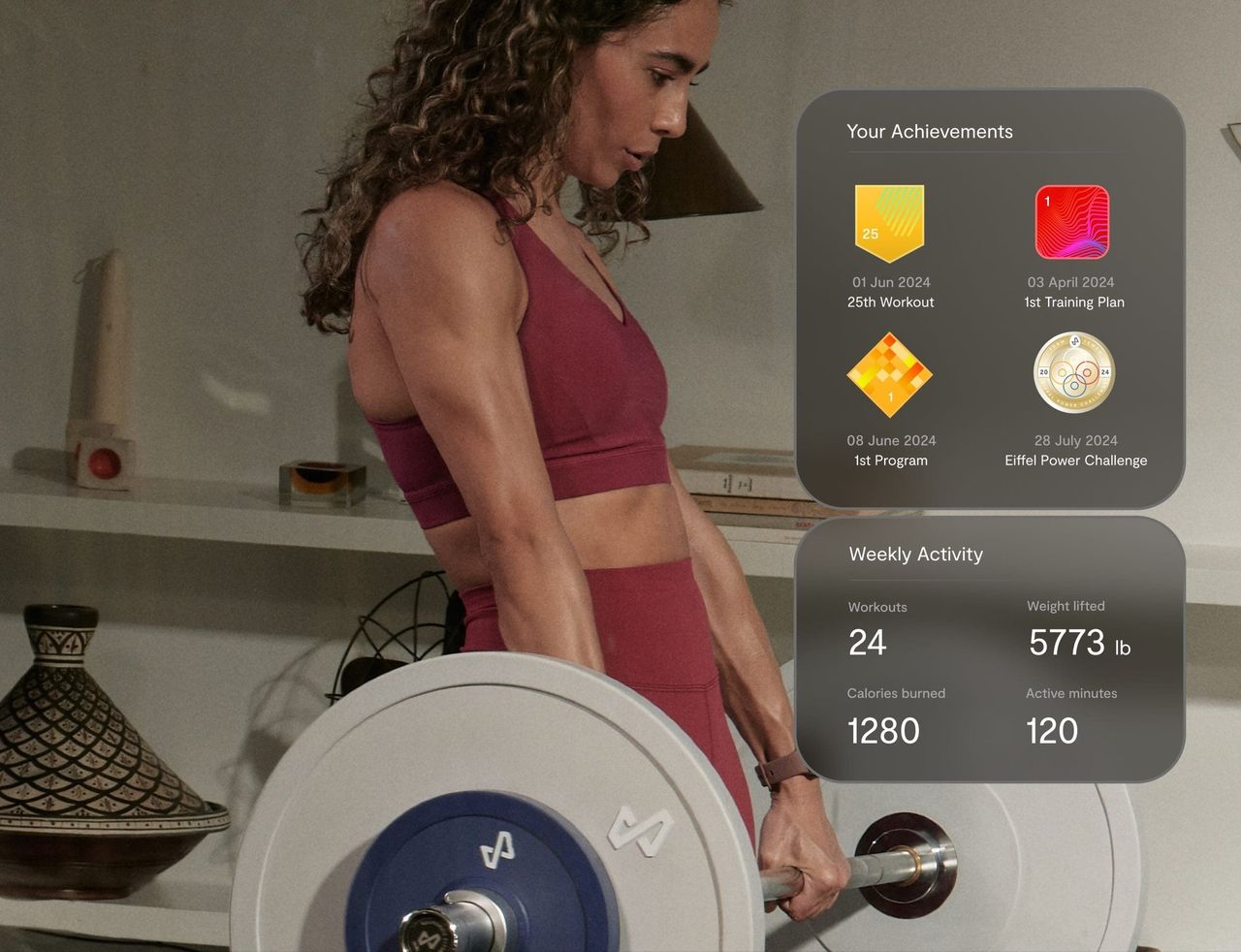
A woman lifts a barbell loaded with Tempo plates. Beside her, app cards show achievement badges and a week of activity: 24 workouts, 5,773 lb lifted, 1,280 calories and 120 active minutes.
Badges and weekly activity in Tempo’s progress hub. The figures are Tempo’s example. Image: Tempo

Goblet squat, 30 lbExample data

10reps at the baseline test
13reps at the final test
Illustrates how a block is compared1. Invented numbers, not a typical or promised result.

Body scans are estimates

An iPhone scan estimates the measures below so you can follow trends over time2. It isn’t a medical measurement or a diagnosis.

  • Body-fat percentage
  • Lean mass
  • Body circumferences
  • Waist-to-hip ratio

Scanning is your choice. Tempo’s privacy policy explains who processes scan images and measurements3.

You’ll also keep strength records and a full workout history4, private to your profile, and earn badges along the way5. How progress is measured

Expert coaching, whenever you’re ready.

Classes are led by certified coaches, live or on demand. The sensing helps; the coaching is human.

Strength training at home, with the class on your TV. Film: Tempo
Plans
Adapt to your readiness and goals, week by week1.
Programs
Follow a fixed sequence, the same for everyone who takes them.

Class types2

  • Strength
  • HIIT and cardio
  • Yoga, mobility and recovery
  • Boxing and meditation

Schedule sessions with reminders3, and share one setup with up to six profiles, each with its own history4. Training, plans and classes

What works with what.

Phones, watches and screens work differently with each setup, so they’re listed separately rather than under one ‘compatible’ badge.

What works with which Tempo setup
Device or featureCore and MoveStudioSource
iPhone with USB-C (15 or later)SupportedUSB-C Core listedNot applicableNot needed to trainTempo Move FAQ
iPhone with Lightning (XR to 14)Check firstLightning Core listed as out of stockNot applicableNot needed to trainTempo Move FAQ
Android phone (listed Pixel and Samsung models)Not supportedSeparate class experience, cast with Chromecast, fewer featuresNot applicableNot needed to trainTempo Core FAQTempo Android Experience
iPadNot supportedNot supported for CoreNot applicableNot needed to trainTempo Core FAQ
Apple Watch app workoutsCheck firstDocumented as Studio-only; confirm current supportSupportedwatchOS 10 and iOS 17 at that revisionApple Watch
Apple Health syncCheck firstTempo iOS app with Apple Health; separate from the Watch appCheck firstSeparate from the Watch appApple Watch
Other heart-rate monitorsCheck firstPairing varies by deviceCheck firstPairing varies by deviceTempo Studio FAQ
TV or displaySupportedHDMI or AirPlay, depending on connectionNot applicableBuilt-in 42-inch screenTempo Move FAQTempo Move FAQ

Make room for stronger.

Answer five quick questions about your phone, screen and space. We’ll show what fits, and what to check first.